The download link below requires you to login
with your CAC first
ActivClient 6.2.0.50 [works with Windows 7, Vista, & XP] is available for
download through the
MCNOSC (Marine Corps Network Operations and Security Center)
website.
You will be prompted for your CAC certificate & PIN immediately.
ActivClient 6.2
software update
NOTE:
You have to download the software from [an
already] CAC enabled computer, Save it to a CD and take to your computer.
You may want to try LPS if you don't have access to a CAC
enabled computer.
WINDOWS 7 USERS:
Is
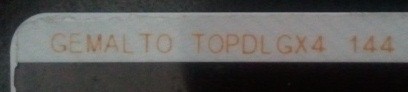
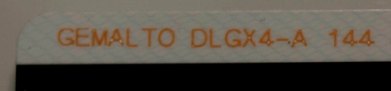
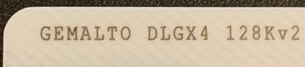
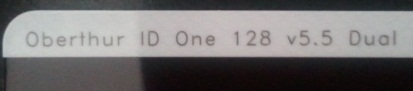
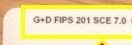
your CAC a "Gemalto TOP DL GX4
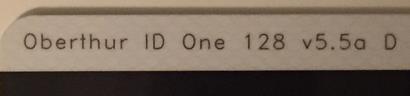
144" or "Oberthur ID One 128 v5.5 Dual", you "may" be able to use your CAC
without needing to install
ActivClient.

Make sure you download the correct version of
ActivClient that
matches your computer operating system... If you are unsure
whether you have a 32 or 64 bit version, here is how to find out:
Windows 7 & Vista, Right click
Computer,
select Properties. Under System, System type you'll see
32 or 64
bit.
XP, Right click
My Computer, select Properties. If it
doesn't say 64 bit, you have a
32 bit Operating System.
Here are
more options
for you (if the above don't work)
How
ActivClient works
|
If you have questions or
suggestions for this site, contact Michael J. Danberry
Are you
interested in subscribing to the
CACNews email list?

Last Update or Review:
Saturday, 31 December 2011 21:28
hrs
The following domain
names all resolve to the same website: ChiefsCACSite.com,
CommonAccessCard.us, CommonAccessCard.info, ChiefGeek.us, MilitaryCAC.info,
MilitaryCAC.us, MilitaryCAC.org, MilitaryCAC.net, & MilitaryCAC.mobi
|